
Palette Remap

The variant generator. Remaps a source color to every color in a connected palette, producing one output per slot.
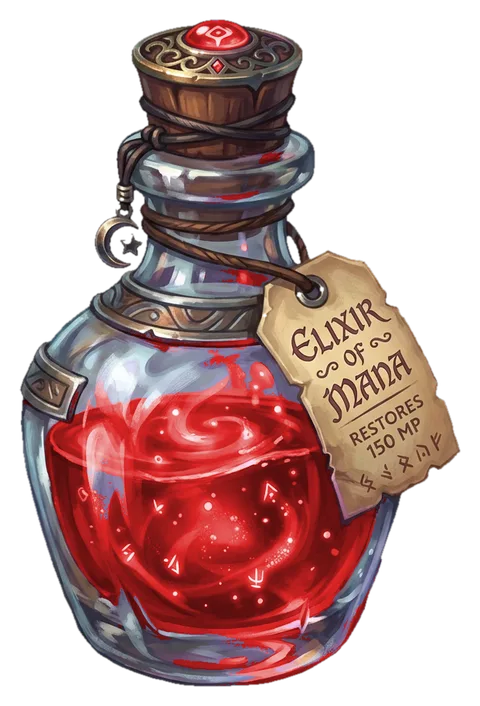
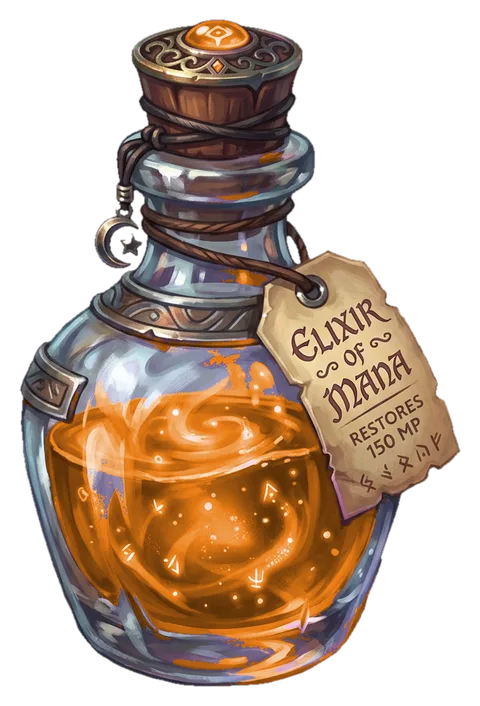
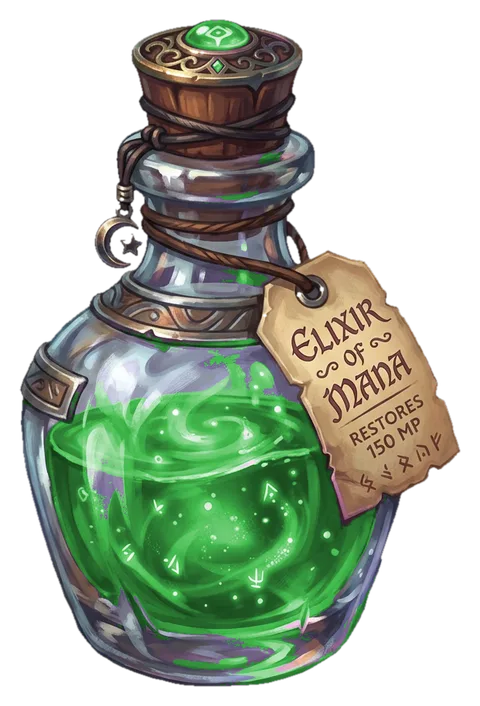
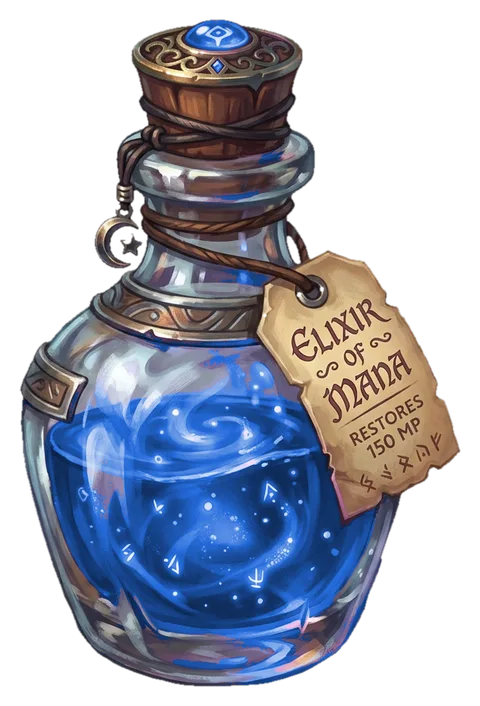
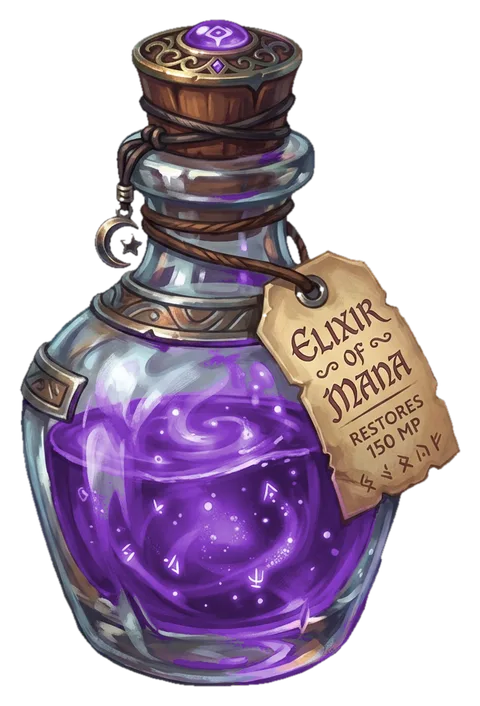
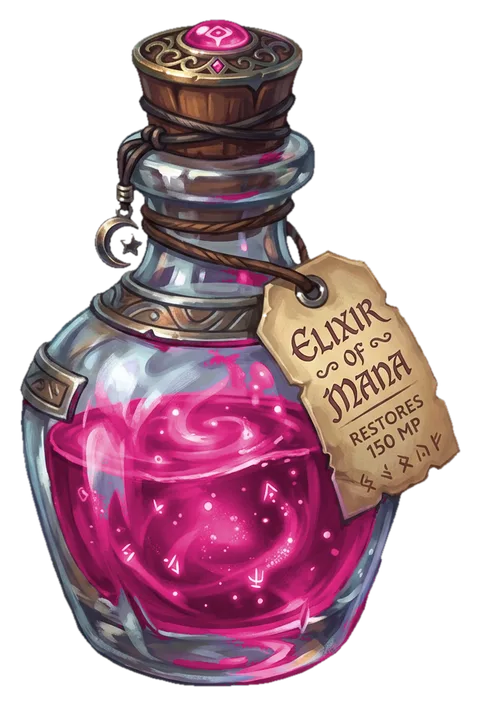
Palette Remap is ArcBrush’s signature node. It takes an image and a palette, identifies pixels near a source color, and generates one variant for each palette slot. Every variant has the source color replaced with the slot’s color while preserving all luminance, highlights, and shadows.
An optional mask input limits the remap effect to specific regions. White areas receive the full color replacement while black areas keep the original color. This is useful when you want to recolor part of an image (e.g., a character’s shirt) without affecting the rest.
The output is a Batch pin that carries all generated images simultaneously. Wire it into Export Batch, and every variant exports as a separate named file automatically.
Palette Remap can also take a batch on its image input. Feed it multiple frames and it produces every input frame combined with every palette slot (an M×N fan-out), all on one Batch output. Use {source}_{name} in Export Batch so each combination gets a unique name (e.g. tree_purple, rock_purple). A per-session cap guards against a runaway expansion.
Parameters
Section titled “Parameters”Pins
Color
Source color; each palette slot remaps to its hue
Matching
Hue distance (degrees) around the source color
Minimum saturation for a pixel to be remapped
Soft falloff at the tolerance boundary
Restore original luminance after the palette swap
Mask
How the connected color image is read as a mask
How the mask is sized when it doesn't match the image
Usage Tips
Section titled “Usage Tips”- Pick the most prominent/saturated color as the source for best results.
- Raise Min Saturation to protect neutral/gray areas from being remapped.
- Wire a Palette From Image node to automatically extract colors from a reference.
- The entire pipeline downstream of Palette Remap processes all variants simultaneously.
- Connect a mask to limit recoloring to a specific region, useful for multi-colored assets where only one area should change.